Website Management Guide: Core Tasks & Best Practices
Website management involves ongoing tasks like content updates, security monitoring, and performance optimization to keep a site functional and secure.
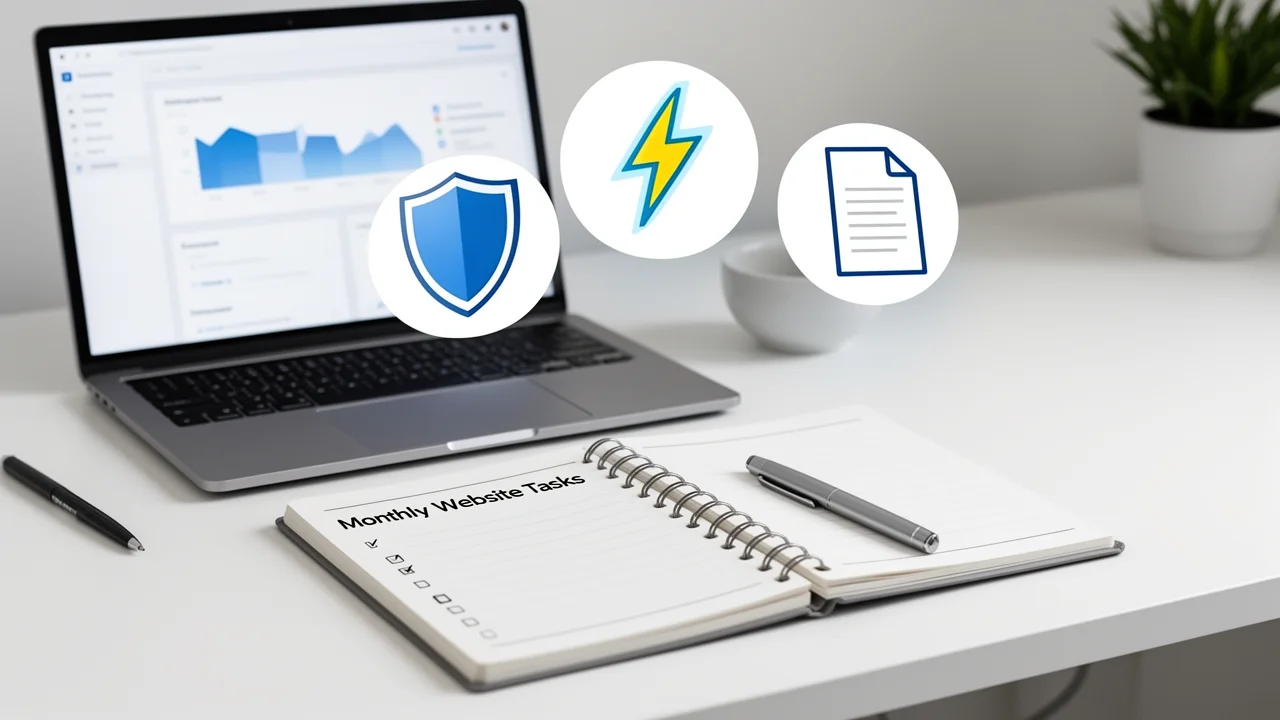
What is Website Management?
Website management is the ongoing process of maintaining, updating, and optimizing a website to ensure it remains functional, secure, fast, and aligned with business goals. It’s not a one-time setup but a continuous cycle of tasks that prevent technical debt, security vulnerabilities, and performance degradation. For any online asset, especially a Private Blog Network (PBN), disciplined management is the difference between a valuable, stable asset and a liability.
Core Website Management Tasks
Effective management is built on a foundation of recurring tasks. These can be grouped into several key areas.
1. Content & Technical Updates This involves keeping the site’s core software and content fresh: - CMS & Plugin Updates: Regularly updating WordPress core, themes, and plugins to patch security flaws and ensure compatibility. - Content Publishing & Refreshing: Adding new posts/pages and updating old content for relevance and SEO value. - Broken Link & Error Checking: Using tools to find and fix 404 errors and broken internal/external links.
2. Security & Backup Management Protecting your digital asset is non-negotiable: - Security Monitoring & Hardening: Implementing firewalls, malware scans, and strong access controls. - Scheduled Backups: Performing regular, automated full-site backups stored in an off-site location. - Uptime Monitoring: Using services to alert you if the site goes down.
3. Performance & SEO Health A fast, visible site drives results: - Speed Optimization: Compressing images, leveraging caching, and minimizing code. - SEO Audits: Checking for proper indexing, meta tags, and keyword performance. - Analytics Review: Using tools like Google Analytics to track traffic and user behavior, a key part of PBN performance monitoring.
Essential Tools for Website Management
The right tools automate routine tasks and provide critical insights. A robust toolkit typically includes:
- Management Platforms: Tools like ManageWP or MainWP for centralized control of multiple WordPress sites. - Security Suites: Plugins like Wordfence or Sucuri for firewall protection and malware scanning. - Backup Solutions: Services like UpdraftPlus or BlogVault for reliable, scheduled backups. - Performance Tools: Google PageSpeed Insights, GTmetrix, and caching plugins like WP Rocket. - Monitoring Services: UptimeRobot or Jetpack Monitor for downtime alerts.
For larger networks, automating PBN maintenance tasks becomes essential to manage this toolset efficiently at scale.
Creating a Management Workflow
Ad-hoc management leads to missed tasks. A structured workflow is key. Start by adopting a monthly PBN maintenance checklist to standardize recurring tasks. Assign clear responsibilities, whether to an internal team or a managed service provider. Schedule time for weekly quick checks (security scans, comment moderation) and monthly deep dives (full backups, performance reviews, content audits). Document everything—passwords, update logs, and procedures—to ensure consistency and simplify risk management.
Website Management for PBNs vs. Public Sites
While the core principles are similar, managing a Private Blog Network requires heightened diligence in specific areas. Footprint reduction is paramount—each site must appear unique and independent, requiring varied themes, plugins, content styles, and hosting providers. Link management must be precise and discreet to avoid detection. Security is even more critical, as a breach on one PBN site can jeopardize the entire network. This specialized need often makes the case for managed vs. self-managed PBNs a crucial consideration.
Frequently Asked Questions
What are the core tasks of website management?
Core tasks include regular content updates, security monitoring and patching, performance optimization, backup management, and software/plugin updates.
How often should I back up my website?
Backup frequency depends on site activity. For frequently updated sites, daily backups are recommended. For static sites, weekly backups may suffice.
What tools are essential for website management?
Essential tools include a security scanner, backup solution, performance monitoring tool, content management system (CMS), and analytics platform.